
Deepak Sengar · Published 1 August 2026· 12 min read
How to Do Keyword Research for Free in 2026 (No Paid Tools Needed)
Discover the best free keyword research tools and methods for 2026. No paid subscriptions needed — just proven, beginner-friendly steps.
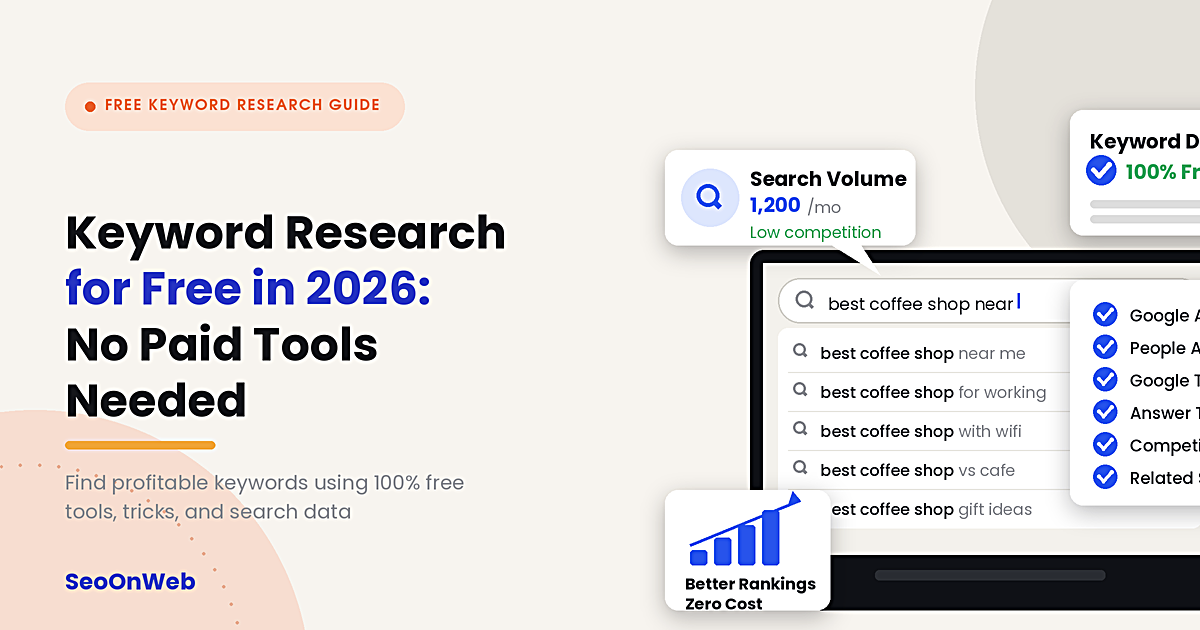
Table of contents
- 01What Is Keyword Research (and Why Free Methods Still Work in 2026)
- 02The Complete Free Keyword Research Workflow (Step by Step)
- 03Google-Only Keyword Research Methods
- 04Best Free Keyword Research Tools Compared
- 05How to Use Google Search Console for Keyword Ideas
- 06Mining Reddit and Quora for Real Keyword Ideas
- 07Building Topic Clusters From Your Free Keyword List
- 08How to Validate Search Intent Before You Write
- 09Common Free Keyword Research Mistakes to Avoid
- 10Expert Tips for Better Free Keyword Research
- 11Free Keyword Research Checklist
- 12Latest Trends in Free Keyword Research (2026)
- 13Future Outlook: Where Free Keyword Research Is Headed
- 14Final Thoughts
- 15Frequently Asked Questions
you can absolutely do free keyword research in 2026, no Ahrefs or Semrush needed. Google already gives you what you need: Keyword Planner for search volume, Google Search Console for keywords your site's already ranking for, and autocomplete for real long-tail keywords people are typing in right now. Combine those, and you're basically getting the same core data paid tools charge for. It just takes a bit more manual digging on your end.
If you've ever opened Ahrefs or Semrush, seen the pricing page, and quietly closed the tab — yeah, you're not alone. A lot of beginners assume you need a paid subscription to find keywords worth targeting. You don't. Not really.
Here's the thing: in 2026, some of the most reliable keyword data still comes straight from Google itself, for free. Between Google Search Console, Keyword Planner, autocomplete, and a handful of smart free tools, you can build a genuinely solid keyword list without spending a rupee or a dollar. It just takes a bit more legwork.
This guide walks through a complete, step-by-step free keyword research workflow — basically the same core process professional SEOs use, minus the expensive subscriptions. You'll learn how to generate keyword ideas from scratch, mine Google and community sites like Reddit and Quora for long-tail phrases, organize everything into topic clusters, and validate search intent before you write a single word. By the end, you'll have a repeatable system you can use for every piece of content you publish. No spreadsheet full of guesswork required.
What Is Keyword Research (and Why Free Methods Still Work in 2026)
Keyword research, at its core, is just finding the exact words and phrases people type into search engines when they're looking for information, products, or solutions — and using that data to decide what to write about.
But the goal isn't "find popular words." That's the beginner trap. It's about understanding intent: what problem is this person actually trying to solve, and how can your content solve it better than what's already ranking?
Paid tools like Ahrefs and Semrush are genuinely useful, don't get me wrong — they crawl billions of pages and estimate search volume and difficulty at scale. But that scale is mostly a convenience. It's not a necessity. Google itself is the single largest source of keyword data on the planet, and it hands out a surprising amount of that data for free through Search Console, Keyword Planner, autocomplete, and the "People also ask" boxes you see in search results every day.
Free methods work because they pull from the same underlying source paid tools do — actual Google search behavior. Once you've got your keyword list, the next step is putting those terms to work across your on-page SEO checklist — titles, headings, and the copy itself. What you lose with free tools is convenience and bulk data. What you keep is accuracy, because you're looking at real Google output instead of a third-party estimate of it.
Key takeaway: You don't need paid software to do good keyword research — you need a process. The tools just help you execute that process faster. That's really the whole secret.
The Complete Free Keyword Research Workflow (Step by Step)
Here's the full workflow, from a blank page to a ranked keyword list ready for content planning.
Step 1: Start With a Seed Keyword
A seed keyword is the broad topic you already know you want to cover — think "keyword research," "home workouts," or "budget travel." It's your starting point, not your target keyword. Don't overthink this part.
Step 2: Expand It Using Google's Free Tools
Run your seed keyword through Google Autocomplete, "People also ask," "Related searches," Google Trends, and Keyword Planner. Each surface gives you a slightly different angle on the same topic, and honestly, running through all five takes maybe ten minutes.
Step 3: Check What's Already Ranking
Search your seed keyword and actually study the top 10 results. What format do they use — list, guide, comparison? What do they cover, and more importantly, what do they leave out? Gaps in existing content are opportunities for you.
Step 4: Pull Long-Tail Variations
Long-tail keywords — longer, more specific phrases like "free keyword research tools for beginners" — usually have lower competition and higher intent than short, broad terms. This is where most of your free keyword research effort should go, honestly.
Step 5: Group Keywords Into Clusters
Once you've got a list, group related keywords under one main topic instead of writing separate thin articles for each. This builds topical authority, which both Google and AI search engines reward these days.
Step 6: Validate Search Intent
Before you commit to writing, confirm what type of content Google is actually ranking for that keyword — informational, transactional, navigational, or commercial. We'll get into exactly how to do this later in the guide.
Step 7: Prioritize and Plan
Rank your final list by relevance to your business, estimated competition, and content gap opportunity, then build your content calendar around it. Simple as that.
Google-Only Keyword Research Methods
You can, believe it or not, build an entire keyword list using nothing but Google's own search interface. Here's how.
Google Autocomplete
Start typing your seed keyword into the Google search bar and don't hit enter. Google will suggest full phrases based on real, current search behavior. This is one of the fastest ways to find long-tail keywords for free, because every single suggestion is something people are actively searching right now — not last year, right now.
Try variations like:
"free keyword research [blank]"
"how to [blank] keyword research"
"best free [blank] for SEO"
Each variation surfaces a different set of suggestions, so it's worth cycling through a few.
"People Also Ask" Boxes
These boxes are a goldmine for question-based keywords, which happen to be exactly the format AI search engines and featured snippets favor. Click on a question and Google loads more related questions underneath it, letting you keep digging pretty much endlessly.
Related Searches
Scroll to the bottom of any Google results page and you'll find a "related searches" section. These are semantically connected terms Google associates with your query — useful for filling out topic clusters when you're running low on ideas.
Google Trends
Google Trends won't give you exact search volume, but it shows you relative interest over time, seasonal patterns, and regional differences. It's especially useful for deciding when to publish seasonal content and for comparing two keyword ideas head-to-head.
Google Ads Keyword Planner
Yes, Keyword Planner is technically built for advertisers. But it's one of the most accurate free sources of search volume data available, because it comes directly from Google's own ad auction system. You don't need to run a live campaign to use it, either — a free Google Ads account is enough to access the tool.
If you're doing this for a local business specifically, keyword research for local businesses leans more on "near me" and neighborhood-level phrasing than national volume.
Keep in mind Keyword Planner often groups volume into broad ranges (like 1K–10K) unless you're actively spending on ads, so treat the numbers as directional rather than exact. Don't take them as gospel.
Great SEO isn't about tricks — it's about being genuinely useful, and making sure Google can tell.
Best Free Keyword Research Tools Compared
Beyond Google's own tools, several third-party platforms offer generous free tiers that are genuinely useful for beginners.
Tool | Best For | Free Limits | Data Source |
Google Keyword Planner | Search volume & CPC estimates | Unlimited searches, broad volume ranges without ad spend | Google Ads |
Google Search Console | Keywords you already rank for | Free, unlimited (your own site data) | Google Search |
Google Trends | Seasonality & trend comparison | Free, unlimited | Google Search |
AnswerThePublic | Question-based keyword ideas | A few free searches per day | Autocomplete + forums |
Ubersuggest | Keyword ideas & difficulty score | Limited daily searches on free tier | Proprietary + Google data |
AlsoAsked | "People also ask" mapping | Limited free searches per month | Google PAA data |
Bing Webmaster Tools | Keyword ideas & Bing search data | Free, unlimited | Bing Search |
Expert tip: Don't rely on a single free tool. Cross-check keyword ideas across two or three sources — what one tool misses, another usually catches. It's a small habit that saves you from blind spots.
How to Use Google Search Console for Keyword Ideas
If your site already gets any traffic, Google Search Console (GSC) is arguably the most underrated free keyword research tool out there — because it shows you real queries real people used to find your real pages. Not estimates. Actual data.
Finding "Almost Ranking" Keywords
Go to Performance > Search Results, sort by impressions, and look for queries where your page ranks between positions 8 and 20. These are keywords Google already thinks your page is relevant for — you just need a small optimization push (better headings, more depth, an updated title tag) to climb into the top results.
Finding Content Gap Keywords
Filter for queries with high impressions but low click-through rate. This usually means your title or meta description isn't compelling enough, or the keyword deserves its own dedicated page rather than being a minor mention on an existing one. Worth checking every few weeks.
Finding New Topic Ideas
Sort by query and scan for recurring themes you haven't written about yet. If people are already searching for a subtopic and landing on unrelated pages of your site, that's a pretty strong signal to create dedicated content for it.
Mining Reddit and Quora for Real Keyword Ideas
Google's tools show you what people search. Reddit and Quora show you how people actually talk about a topic — including the frustrations, follow-up questions, and specific scenarios that never really show up in polished keyword tools.
How to Search Reddit for Keyword Ideas
Use the search operator site:reddit.com [your topic] directly in Google, rather than Reddit's internal search, which can be pretty inconsistent honestly. Look at thread titles, top comments, and recurring questions within a subreddit related to your niche.
How to Search Quora for Keyword Ideas
Search your seed keyword on Quora and note the exact phrasing of the questions people ask. Quora questions are often written in natural, conversational language — which happens to be exactly how people phrase voice searches and AI chatbot prompts.
Why This Matters for AI Search
AI search engines like ChatGPT, Gemini, and Perplexity are trained to answer conversational questions, not just match short keywords. Mining forums for the exact phrasing real people use gives you language you can mirror in your headings and FAQ sections, which improves your odds of getting cited in AI-generated answers.
Consistency beats cleverness. Publish, measure, refine, repeat — that's the whole game.
Building Topic Clusters From Your Free Keyword List
Once you've collected a solid list of keywords, the next step is organizing them — not publishing one thin post per keyword and calling it a day.
What Is a Topic Cluster?
A topic cluster is a group of related articles built around one central "pillar" page, all interlinked with each other. For example, a pillar page on "keyword research" might link out to supporting articles on "long-tail keywords," "keyword intent," and "keyword difficulty."
Why Clusters Outperform Standalone Posts
Search engines increasingly reward sites that show real depth on a topic rather than scattered, shallow coverage. A well-built cluster signals topical authority, which is one of the clearest ranking advantages you can build without spending a cent on tools.
How to Build One From Your Free Keyword List
Group your keyword list by shared theme or user intent.
Pick the broadest, highest-value keyword in each group as your pillar topic.
Assign the remaining keywords as supporting subtopics.
Plan internal links between the pillar and each supporting page.
How to Validate Search Intent Before You Write
Search intent is the "why" behind a search query — and matching it correctly is often more important than the keyword itself. Truly.
The Four Types of Search Intent
Intent Type | What the User Wants | Example Query |
Informational | To learn or understand something | "what is keyword research" |
Navigational | To find a specific site or page | "google keyword planner login" |
Commercial | To compare options before buying | "best free keyword research tools" |
Transactional | To take an action or purchase | "buy semrush subscription" |
How to Check Intent for Free
Simply search your target keyword and study the top-ranking results. If nine out of ten results are how-to guides, Google has already told you the intent is informational — writing a product page for that keyword won't rank, no matter how well-optimized it is. Google's basically doing the guesswork for you here.
Also check the SERP features present. A "People also ask" box and featured snippet usually confirm informational intent, while shopping ads and product carousels signal transactional intent.
Common Free Keyword Research Mistakes to Avoid
Chasing high-volume keywords only. Broad, high-volume terms are usually the most competitive. Beginners often get more traction from lower-volume, long-tail keywords that are easier to actually rank for.
Ignoring search intent. Ranking for a keyword doesn't help if the content format doesn't match what searchers actually want. Seems obvious, but people skip this constantly.
Relying on a single tool. Every free tool has blind spots. Cross-referencing two or three sources gives you a far more complete picture.
Skipping Google Search Console. Many beginners chase brand-new keywords while completely ignoring "almost ranking" opportunities already sitting in their own GSC data.
Treating Keyword Planner volume as exact. Without active ad spend, Keyword Planner often shows broad ranges — use them as a rough signal, not a precise number.
Forgetting question-based keywords. Skipping "People also ask" and forum questions means missing the exact phrasing that AI search tools tend to favor.
Not grouping keywords into clusters. Publishing isolated posts per keyword instead of building topical depth just weakens your long-term ranking potential.
Expert Tips for Better Free Keyword Research
Search your keyword in an incognito window to avoid personalized results skewing what you see.
Use Google Trends to compare two similar keyword ideas before deciding which one to build your pillar page around.
Check the "Searches related to" section at the very bottom of Google's results — it's often overlooked but full of long-tail ideas.
Revisit Google Search Console monthly; new "almost ranking" keywords appear as your site accumulates more data over time.
When using Keyword Planner, try both broad and phrase match keyword ideas — the suggestions can differ more than you'd expect.
Read the actual top-ranking pages for your target keyword, not just the titles. Note what they leave out — that gap is your opportunity.
Free Keyword Research Checklist
Use this checklist for every new piece of content you plan:
Identify a clear seed keyword or topic
Expand ideas using Google Autocomplete
Review "People also ask" and related searches
Cross-check search volume in Google Keyword Planner
Check Google Search Console for related "almost ranking" queries
Search Reddit and Quora for real user phrasing
Group related keywords into a topic cluster
Confirm search intent by reviewing top-ranking results
Prioritize keywords by relevance and competition
Plan internal links between related pages
Latest Trends in Free Keyword Research (2026)
Keyword research in 2026 looks noticeably different than it did just a couple years back. AI Overviews now show up on a huge share of Google searches, which means ranking well increasingly depends on how clearly and directly your content answers a question — not just which keywords appear in your text. Question-based, conversational keywords are carrying more weight because, well, they mirror how people prompt AI chatbots like ChatGPT and Gemini. At the same time, free AI-assisted tools have started layering language-model suggestions on top of traditional keyword data, making brainstorming a lot faster even on free tiers. None of this replaces the fundamentals in this guide, though — it just makes matching search intent even more important than chasing volume alone.
Future Outlook: Where Free Keyword Research Is Headed
Expect Google's own free tools to stay the backbone of free keyword research for the foreseeable future, since no third-party tool can really replicate first-party search data. What's likely to keep evolving is how that data gets interpreted — expect more free tools to blend AI-generated question clusters with traditional volume metrics, and expect AI search engines themselves to become a keyword research source in their own right, as people start studying what questions chatbots get asked and how those answers get structured.
Final Thoughts
You genuinely don't need Ahrefs or Semrush to do keyword research that works. Google's own free tools — Search Console, Keyword Planner, Autocomplete, and Trends — combined with a bit of manual digging on Reddit and Quora, can get you a keyword list that rivals what most paid tools produce. The real skill isn't the tool; it's the process: expand, validate intent, cluster, and prioritize. If keyword research is the only piece of SEO you've tackled so far, our full beginner's guide to SEO picks up from here with on-page, technical, and link-building basics.
Start small. Pick one seed keyword today, run it through this workflow, and build your first content cluster from it.
Frequently Asked Questions
Can I do keyword research without paid tools?
What are the best free keyword research tools?
Is Google Keyword Planner free?
What is the best free keyword research method in 2026?
How do beginners find low competition keywords?
How can I do keyword research without Ahrefs or Semrush?
Is Google Keyword Planner enough on its own?
What's the best free keyword research method beginners overlook?
More from the blog
All posts
Top 8 SEO Tips for Beginners in 2026
Learn the top 8 SEO tips for beginners in 2026. Discover keyword research, on-page SEO, technical SEO, AI search optimization, and proven strategies to rank higher on Google.
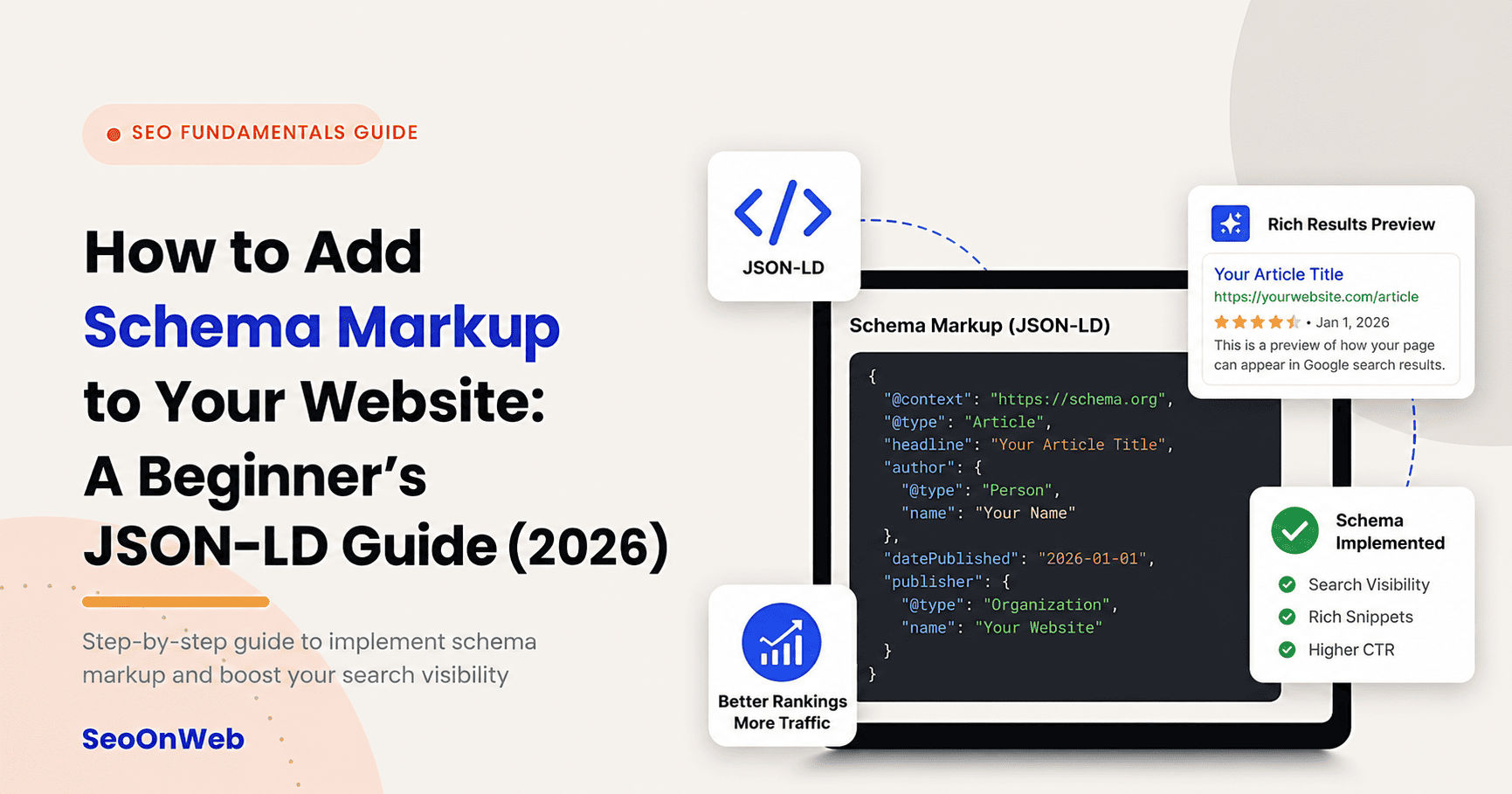
How to Add Schema Markup to Your Website: A Beginner's JSON-LD Guide (2026)
Learn how to add schema markup to your website with this beginner-friendly JSON-LD guide — includes WordPress steps, testing tools, and real examples.
Content Refresh Strategy: How to Update Old Posts to Regain Rankings
Struggling with a content refresh strategy? Learn how to spot content decay, fix old blog posts, and regain rankings with a step-by-step 2026 process.
Let's talk
Ready to grow with SEO that actually works?
Book a free 30-minute strategy call and we'll walk through your site, your goals, and the shortest path to real results.

Written by
Deepak Sengar
SEO Expert · Founder, SeoOnWeb
Deepak Sengar is an SEO specialist with 3+ years of experience across on-page SEO, technical SEO, AI Search Optimization (AIO), Answer Engine Optimization (AEO), Generative Engine Optimization (GEO), keyword research, and content optimization. He holds a Bachelor of Business Administration (BBA) from Bundelkhand University. He most recently worked as an SEO Executive at College Drishti, a Delhi-based education consultancy, from July 2025 to May 2026, where he led SEO strategy to grow organic visibility and traffic for undergraduate (UG) and postgraduate (PG) admissions content. Today, through SeoOnWeb, he helps businesses build ranking strategies rooted in the same on-page, technical, and off-page fundamentals.
More about Deepak