
Deepak Sengar · Published 1 August 2026· 14 min read
Content Refresh Strategy: How to Update Old Posts to Regain Rankings
Struggling with a content refresh strategy? Learn how to spot content decay, fix old blog posts, and regain rankings with a step-by-step 2026 process.
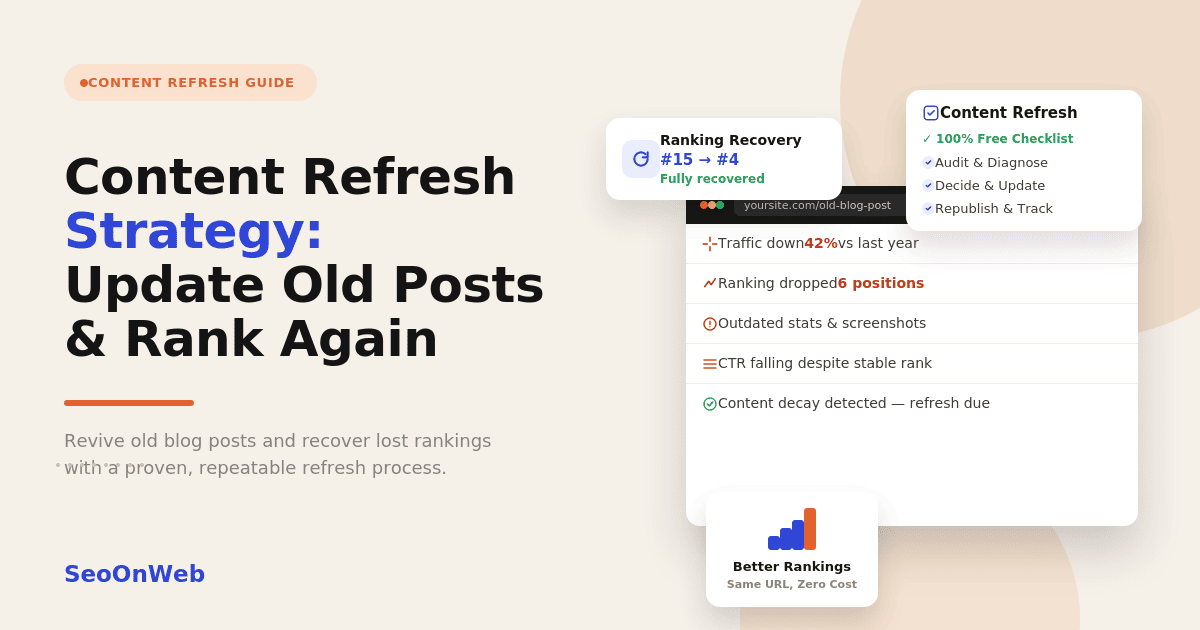
Table of contents
- 01What Is a Content Refresh?
- 02Why Content Decays
- 03Signs a Blog Post Needs Updating
- 04Refresh vs. Rewrite vs. Merge vs. Redirect vs. Delete: A Decision Framework
- 05Step-by-Step Content Refresh Process
- 06Google Search Console Content Audit Workflow
- 07AI-Assisted Content Refresh Workflow
- 08How Often Should You Update Website Content?
- 09Measuring Results After a Refresh
- 10Common Content Refresh Mistakes
- 11Expert Tips for a Better Content Refresh Strategy
- 12Content Refresh Checklist
- 13Latest Content Refresh Trends (2026)
- 14Future Outlook: Content Refresh in an AI Search World
- 15Final Thoughts
- 16Frequently Asked Questions
You published a post two years ago. It ranked on page one, brought in steady traffic, maybe even turned a few readers into customers. Then, slowly, without any warning email from Google, it started sliding. Fewer clicks. Lower position. You didn't touch a single word, but something changed anyway.
That's the annoying part, honestly. Nobody tells you when a page starts losing ground — you just notice the traffic graph dipping one day and start wondering what you did wrong. Here's the thing: you probably didn't do anything wrong. Content doesn't stay relevant forever, and most sites never build a real plan for what to do once it starts fading.
That's where a content refresh strategy comes in. Not "change the date and hope for the best," but an actual process you can repeat: how to catch decay early, figure out whether a page needs a quick touch-up or a full teardown, and get it back in front of the people who are searching for it. In this guide, you'll get a decision framework for refreshing, rewriting, merging, redirecting, or deleting old content, a step-by-step process you can run this week, a free Google Search Console workflow, and a checklist worth reusing every quarter.
If you've been putting all your energy into publishing new posts while your best-performing pages quietly lose ground in the background, this is usually the fastest win sitting right in front of you.
What Is a Content Refresh?
A content refresh is the process of updating something that already exists — new information, better structure, fresher examples, sharper SEO elements — without starting the whole thing from scratch. It's not just a cosmetic touch-up, and it's not a full teardown either. It lands somewhere in the middle: enough of a change to actually shift how the page performs, but focused enough that you're not rebuilding it from the ground up.
Think of it as one recurring lever inside a broader content refresh strategy, not a one-off favor you do for a struggling post when traffic gets embarrassing.
Content Refresh vs. Rewrite vs. Republishing
People throw these three terms around like they mean the same thing. They don't, and that's part of why so many teams handle them inconsistently.
Refresh means the core content still holds up — you're updating stats, filling in a missing section, tightening the structure, and cleaning up the on-page SEO. If on-page, technical, and off-page SEO still blur together for you, it's worth reading how the types of SEO working together actually support a refresh, before you start.
Rewrite means the old version isn't really salvageable anymore. The angle feels dated, the coverage is thin, or search intent has moved on entirely, so you start over while keeping the same URL and whatever backlinks it's earned.
Republishing usually just means changing the publish date and pushing it back out, sometimes with barely any edits at all.
Why does this distinction matter? Because it sets expectations up front. A refresh might take an hour. A rewrite might eat up a whole day. Mix the two up and you end up either wasting effort or leaving work half-finished.
Why "Refresh" Is Different From "Update the Date"
Changing a publish date without making any real edits is one of the oldest SEO shortcuts around, and it doesn't work quite the way people assume. Google's systems — and AI search tools too, increasingly — can tell the difference between a page that got genuinely better and one that just got a new timestamp slapped on it.
Substantive changes look like new data, added sections, corrected facts, or restructured headings. Cosmetic changes are things like fixing a typo or swapping out a stock photo. Only the first kind tends to actually move anything, and pairing a fake "updated" date with a low-effort edit can quietly hurt trust signals over time instead of helping them.
Why Content Decays
Content decay is the gradual decline in a page's traffic, rankings, or engagement over time, even though nothing on the page is technically broken. It's not a penalty, and it's almost never caused by one single Google update — it's usually the slow result of the world moving on while your page just sat there.
Four things tend to drive it.
SERP Volatility
The search results page for your target query doesn't stay frozen in place. New SERP features show up — AI Overviews, expanded "People Also Ask" boxes, video carousels — and they push organic listings further down. Sometimes the format that used to win, like a listicle, gets edged out by comparison tables or interactive tools instead. Watching how a SERP's shape changes for your core queries is one of the earliest signs that decay is coming.
Search Intent Drift
What people want from a query can shift over months or years, sometimes without much notice. A search like "best project management software" might have favored review-style articles a few years back and now favors interactive comparison tools or pricing breakdowns instead. If your content hasn't kept up with that shift, you're still technically answering the question — just not in the way people actually want it answered anymore.
Competitor Content Gains
While your page sat untouched, someone else's didn't. Competitors publish more comprehensive guides, add better visuals, or reorganize their content around the questions people are actually typing into Google. Over time, their page just becomes the better answer, and the rankings follow it there.
Technical or Internal Link Loss
Sometimes decay has nothing to do with the writing at all. Lost backlinks, removed internal links, orphaned pages with no clear path from your homepage, or a quietly broken redirect can all chip away at a page's authority signals without a single word on the page ever changing.
Signs a Blog Post Needs Updating
Before you decide what to do with a page, you need a reliable way to figure out which ones actually deserve attention. Gut feeling isn't enough here — you want real data from Google Search Console or Google Analytics, not a hunch.
Traffic Decline
A single bad week doesn't mean much on its own. Compare year-over-year traffic for the page, not just month-over-month, so you can rule out seasonal noise. If a post that used to pull steady traffic in a given month is down significantly compared to the same month last year, that's worth digging into.
Ranking Drop
Track average position over time in Search Console. A drop of three or more positions held over a full month — not just a one-day blip — usually points to something structural going on: intent drift, a stronger competitor, or a technical issue lurking underneath.
If you're not sure which of those it is, it's worth taking the time to walk through the full list of ranking blockers before deciding a refresh alone will fix it.
Outdated Statistics, Screenshots, or Examples
If your post cites a "2022 survey" or shows screenshots of a tool interface that's been redesigned twice since then, that's a visible trust signal to readers and search engines alike. Outdated proof points quietly chip away at the expertise and trustworthiness people expect from a page — and they expect that fast, without even thinking about it consciously.
Falling CTR Despite a Stable Ranking Position
This one trips a lot of people up. Your position in Search Console might look fine, sitting steady at position 4, but your click-through rate has dropped anyway. What's usually going on is that an AI Overview, featured snippet, or expanded PAA box is now soaking up clicks that used to land on your listing. It's a different problem than a ranking drop, and it needs a different fix — making your content more likely to be the source AI Overviews cite, rather than chasing a higher position that won't necessarily bring the clicks back on its own.
Great SEO isn't about tricks — it's about being genuinely useful, and making sure Google can tell.
Refresh vs. Rewrite vs. Merge vs. Redirect vs. Delete: A Decision Framework
This is the part most guides skip over, and honestly, it's usually the most useful one. Not every underperforming page deserves the same treatment. Before you touch anything, run it through this framework first.
Criteria | Refresh | Rewrite | Merge | Redirect | Delete |
Traffic/backlink history | Some, declining | Some | Split across pages | Little to none | None |
Content quality | Good, outdated | Poor/shallow | Thin, overlapping | Irrelevant now | Low value, no potential |
Effort required | Low | High | Medium | Low | Low |
Best outcome | Fast ranking recovery | Full repositioning | Consolidated authority | Preserve link equity | Cleaner site, better crawl budget |
When to Refresh
The bones are good. The structure works, the angle still holds up, and it's mostly a matter of updating stats, filling in small gaps, and tightening the on-page SEO. This is the fastest, lowest-effort option, and it should usually be your first pick when the underlying content quality is already solid.
When to Rewrite
The page has decent backlinks or domain trust, but the actual content is shallow, poorly organized, or just doesn't match what searchers expect anymore. Instead of losing that link equity by spinning up a new URL, you rebuild the content right on the same page.
When to Merge
You've got two or three thin, overlapping posts all fighting for the same keyword — classic cannibalization. Combining them into one solid, comprehensive resource pulls your link equity back together and gives search engines one clear page to rank instead of several weak ones competing against each other for no good reason.
When to Redirect
The page has no realistic shot at ranking well again, whether that's because of weak topical relevance or a shift in what your business actually focuses on now, but it still has some traffic or backlinks worth something. Redirecting to a stronger, closely related page on your site keeps that value instead of just letting it evaporate.
When to Delete
Zero traffic, zero backlinks, no strategic reason to keep it around. In this case, deleting it (with a proper 410 or redirect where it makes sense) can actually help — it keeps search engines focused on crawling your higher-value pages instead of burning crawl budget on dead weight nobody's reading anyway.
Step-by-Step Content Refresh Process
Once you know which pages need attention and what kind of fix they need, here's the process to run.
Audit. Pull a list of candidate URLs from Search Console, Google Analytics, or a paid tool like Ahrefs or Semrush if you've got access. Sort by traffic decline or ranking drop over the past 6–12 months.
Diagnose. For each candidate, work out which type of decay is going on — SERP volatility, intent drift, competitor gains, or technical/link loss. This is what actually determines what kind of fix will work.
Decide. Run the page through the refresh/rewrite/merge/redirect/delete framework above.
Update. Fill content gaps, swap out outdated stats and examples, and refresh the on-page SEO elements — title tag, meta description, headers, internal links, all of it.
Republish. Update the "last updated" date, but only if you made real, substantive changes, and resubmit the URL for indexing through Search Console.
Promote. Don't let a refreshed post just sit there quietly. Re-share it on social media and in your newsletter, and think about reaching out to sites that linked to the old version to let them know it's been updated.
Track. Set a review checkpoint — 30, 60, and 90 days out — to see whether the refresh actually did anything, and whether it's worth a second pass.
Google Search Console Content Audit Workflow
You don't need a paid subscription to run a decent content audit. Search Console alone gives you most of what you need to find decaying pages and figure out why they're decaying.
Finding Declining Pages in Performance Reports
In the Performance report, compare two date ranges — say, the last 6 months against the 6 months before that. Filter by page, then sort by the change in clicks or impressions. Whatever's showing a steep negative trend goes to the top of your priority list.
Spotting Position vs. CTR Problems
Look at position and CTR together, not one at a time. A page holding steady position but losing CTR usually points to a SERP-feature problem — an AI Overview or expanded snippet grabbing the click before the searcher ever reaches your listing. A page losing both position and CTR, though, points to a genuine ranking issue that needs deeper content work.
Exporting and Building a Tracking Sheet
Export what you find into a simple spreadsheet: URL, baseline clicks, current clicks, likely decay type, chosen action, owner, next review date. That's really it. It turns a one-time audit into an ongoing system instead of a document you open once, feel productive about, and never touch again.
Consistency beats cleverness. Publish, measure, refine, repeat — that's the whole game.
AI-Assisted Content Refresh Workflow
AI tools don't replace the process above. But they can speed up parts of it quite a bit, if you use them the right way.
Using AI for Gap Analysis
You can prompt an AI tool to compare your existing draft against the top-ranking pages for your target query and ask it to flag missing subtopics, unanswered questions, or gaps in the structure. It's a fast way to spot blind spots before you even start editing.
Using AI to Draft Updated Sections
AI-assisted drafting genuinely helps with things like restructuring a dated section or generating a rough first pass at new subheadings. Where it falls short is judgment — checking that a statistic is still current, that an example still makes sense, or that the tone actually matches your brand. That still needs a human editor who knows the topic.
Checking AI Overview and Answer-Engine Readiness
As you refresh, structure the updated sections so they're easy for AI systems to pull from and cite: clear definitions near the top of each section, scannable lists, comparison tables where they make sense. This isn't really a separate task from good writing, if you think about it — it's just good writing, formatted with machine readability in mind.
How Often Should You Update Website Content?
There's no single universal answer here, but as a starting point: cornerstone and evergreen content should get reviewed every 6–12 months, while anything tied to pricing, tools, or fast-moving trends should be checked quarterly.
Recommended Refresh Frequency by Content Type
Cornerstone/evergreen guides (foundational, high-traffic pages): review every 6–12 months.
Trend- or pricing-sensitive content (tool comparisons, "best of" lists, pricing pages): review quarterly.
Rarely-changing reference content (definitions, historical explainers): review annually, mostly just to check accuracy and formatting still hold up.
Measuring Results After a Refresh
A refresh doesn't pay off overnight. So give it time, and measure it the right way.
Baseline Metrics to Record Before You Refresh
Before you touch anything, record clicks, impressions, average position, CTR, and conversions if you're tracking them. Without a baseline, there's no way to actually tell whether the refresh worked or you're just imagining progress that isn't there.
30/60/90-Day Review Points
At 30 days, check for early indexing and any first signs of movement. At 60 days, look for a clearer trend in rankings and traffic. At 90 days, make the real call — did the refresh work, or does the page need a second, more aggressive pass, maybe moving from "refresh" to "rewrite" on your decision framework.
Tools to Track Results
Search Console and Google Analytics are enough for most sites. Go back to the same Performance and Engagement reports you used during the audit, and build a recurring quarterly reminder so tracking doesn't just quietly fall off your radar.
Common Content Refresh Mistakes
Changing the publish date without making substantive edits. This erodes trust signals rather than building them, and it's easier to spot than people think.
Refreshing without checking for intent shift. Updating stats on a page that no longer matches what searchers actually want won't fix the real problem underneath.
Ignoring cannibalization risk. Adding new keywords to a refreshed page without checking whether another page on your site already targets them can pit your own content against itself.
Refreshing low-value pages while ignoring high-potential ones. Prioritize by opportunity, not just by whichever page happened to drop the most.
Skipping re-promotion. A refreshed post nobody sees again isn't going to recover its traffic through the update alone.
Refreshing too often, too soon. Give a refresh time to actually show results before deciding it didn't work and refreshing it all over again.
Expert Tips for a Better Content Refresh Strategy
Prioritize by opportunity score, not just by biggest drop. A page that fell from position 3 to position 6 on a high-value keyword is often a better investment than one that dropped from position 40 to 45. The math just works out that way.
Batch refreshes by topic cluster. Updating several related posts together lets you improve internal linking between them at the same time, which compounds the benefit instead of leaving it isolated.
Treat it as a recurring quarterly process, not a one-off project. The sites that get the most out of a content refresh strategy are the ones running it on a schedule, not the ones scrambling to do it once after a traffic scare.
Use refreshed posts as backlink outreach opportunities. If a page genuinely improved, that's a natural reason to reach out to sites that linked to the old version — or to new sites that might link to the better one.
Content Refresh Checklist
Pull traffic/ranking data from GSC and GA4
Identify decay type (SERP volatility, intent drift, competitor gain, technical/link loss)
Apply the Refresh/Rewrite/Merge/Redirect/Delete decision framework
Update outdated stats, examples, screenshots, and links
Refresh title tag, meta description, and headers for current intent
Confirm re-checking your schema markup wasn't broken by a theme or plugin update since you last touched the page
Add or update internal links
Check for keyword cannibalization with other site pages
Update "last updated" date (only if substantive changes were made)
Re-submit URL for indexing
Re-promote on social/email/newsletter
Log baseline metrics and set a 30/60/90-day review reminder
Latest Content Refresh Trends (2026)
AI Overviews and other answer engines increasingly favor content that's been substantively and recently updated, not just recently dated. That lines up closely with what we saw in Google's 2026 core updates, where content freshness and depth were repeatedly rewarded over sites that hadn't touched anything in a year or two. More teams are leaning on AI tools for gap analysis and first-draft help within their refresh workflows, while still relying on human editors for accuracy and voice. And as topic clusters mature, more sites are focusing on pruning and consolidation — merging or removing thin, overlapping pages — instead of just piling on more new ones.
Future Outlook: Content Refresh in an AI Search World
As AI-generated answers cut into click volume even for pages that rank well, just publishing more content isn't going to be enough to stay visible. Maintaining what you already have — keeping it accurate, thorough, and well-structured — matters just as much as creating something new now. Sites that treat their content library as a living thing, with a recurring refresh cadence baked into the process, are going to outperform sites that pour everything into net-new publishing and nothing into upkeep.
Final Thoughts
A content refresh strategy is often the fastest, highest-ROI SEO lever you've got, and it's one most sites just aren't using. Instead of guessing at what to update, run your underperforming pages through the decision framework above, follow the step-by-step process, and give each refresh enough time to actually show results before jumping to the next thing.
You don't need to overhaul your entire content library this week. Pick three to five candidate URLs, run them through the framework, and treat this as the first pass of something you'll come back to every quarter.
Ready to make content refreshes part of your regular SEO routine? If you'd like help building out a full audit and refresh calendar for your site, that's exactly the kind of project our team can support.
Frequently Asked Questions
Does updating content improve rankings?
How do you identify content that needs updating?
How often should website content be refreshed?
What is content decay in SEO?
Should I update old blog posts?
How do I fix content decay?
How often should I update blog posts?
Does updating old articles help SEO?
Should I rewrite or update old blog posts?
Should I change the publish date when I refresh a post?
More from the blog
All posts
Google Algorithm Update 2026: Key Changes & Recovery Tips
Discover what changed in the Google algorithm update 2026 and how to recover rankings after a drop. Core updates, spam updates, and a practical SEO recovery checklist.
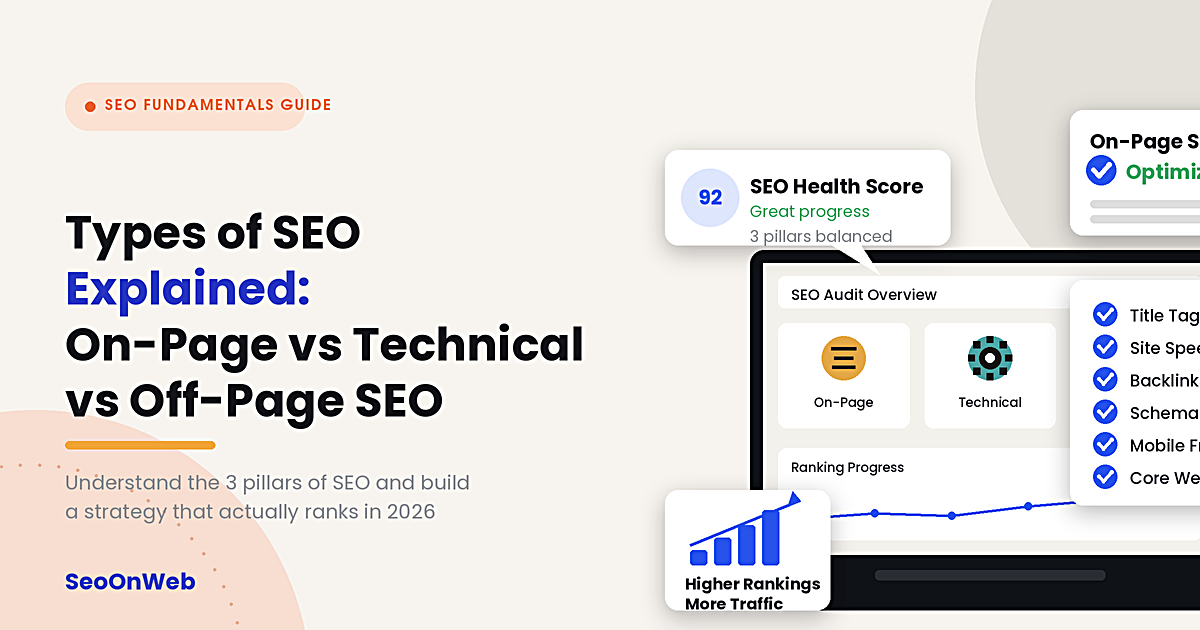
Types of SEO Explained: On-Page vs Technical vs Off-Page SEO in 2026
Confused by the types of SEO? Learn on-page vs off-page SEO, technical SEO checklist, and which to prioritise in 2026 for better rankings and AI search visibility.
Why Isn't My Website Ranking on Google? Common Causes & Fixes
Wondering why isn't my website ranking on Google? Discover the real reasons — indexing, content, links — and practical fixes that actually work.
Let's talk
Ready to grow with SEO that actually works?
Book a free 30-minute strategy call and we'll walk through your site, your goals, and the shortest path to real results.

Written by
Deepak Sengar
SEO Expert · Founder, SeoOnWeb
Deepak Sengar is an SEO specialist with 3+ years of experience across on-page SEO, technical SEO, AI Search Optimization (AIO), Answer Engine Optimization (AEO), Generative Engine Optimization (GEO), keyword research, and content optimization. He holds a Bachelor of Business Administration (BBA) from Bundelkhand University. He most recently worked as an SEO Executive at College Drishti, a Delhi-based education consultancy, from July 2025 to May 2026, where he led SEO strategy to grow organic visibility and traffic for undergraduate (UG) and postgraduate (PG) admissions content. Today, through SeoOnWeb, he helps businesses build ranking strategies rooted in the same on-page, technical, and off-page fundamentals.
More about Deepak